Front Office Management
Digitize reception activities including Admission Enquiries, Web-cam Visitor Logs, and Staff Complaints.
1. Admission Enquiries
Track potential student enrollments from initial contact through to payment verification.
- Navigate to Front Office > Admission Enquiries.
- Fill out the prospective parent's details and standard metrics (Class, Source).
- Financial Tracking: The `AdmissionEnquiryController` actively monitors the `payment_status` of the application fee, distinguishing between `Paid` (Self-paid online), `Verified` (Manually confirmed by Admin), and `Rejected`.
- Pipeline Status: As follow-ups occur, update the status field (`Followed-up`, `Admitted`, `Lost`).
2. The Visitor Book
A secure log of everyone entering the premises, featuring integrated webcam support.
- Go to Front Office > Visitor Book.
- Enter standard details (Name, Purpose, Person to Meet).
- Photo Capture: The `VisitorLogController` accepts raw `photo_data` (Base64). Receptionists can click a button to instantly capture a photo from their connected webcam without needing to upload files manually.
- Check-out Sync: The system displays an orange `Check Out` button next to active visitors. Clicking this timestamps the exact `out_time`.
File Cleanup: If a visitor log is deleted, the controller
strictly ensures that their underlying photo file is immediately purged from the `public` storage disk to
comply with privacy standards.
3. Complaints & Assignees
Log grievances from stakeholders and enforce accountability.
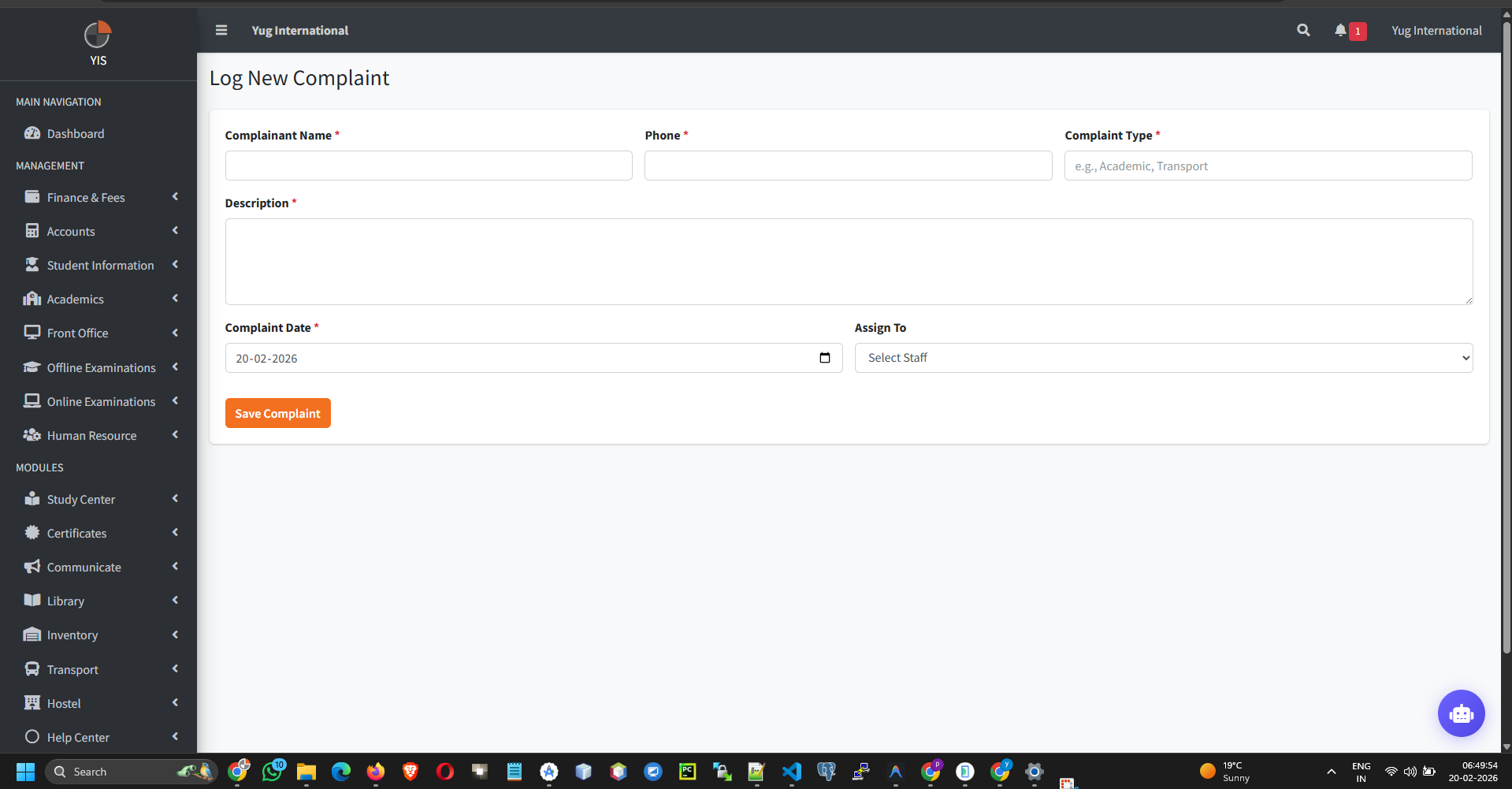
- Go to Front Office > Complaints.
- Log the grievance. Crucially, you must assign the complaint to a specific `Staff Member` using the dropdown.
- The system tracks the lifecycle (`Open`, `In Progress`, `Resolved`, `Closed`).