Hostel Management
Define residential infrastructure, room capacities, and track student occupancy securely.
1. Infrastructure Setup
Build the physical blueprint of your residential system.
- Hostels (Blocks): Go to Manage Hostels. Add the main building entity (e.g., 'Cauvery Block') and designate its target demographic (`Boys`, `Girls`, `Combined`).
- Room Types: Go to Room Types. Define the categories of housing (e.g., 'Non-AC Double', 'AC Single'). This classification usually dictates the boarding fee.
- Manage Rooms: Go to Manage Rooms. Combine the Block and Type to create a specific room (e.g., 'Room 101'). Crucial Step: You must accurately define the `Bed Capacity` here.
Cascading Deletion Blocks: The `HostelRoomController` will
aggressively block the deletion of any Room if it contains allocated students. Furthermore, the
`HostelController` will block the deletion of an entire Hostel Block if it still contains defined Rooms.
2. Room Allocations
Assigning students to beds.
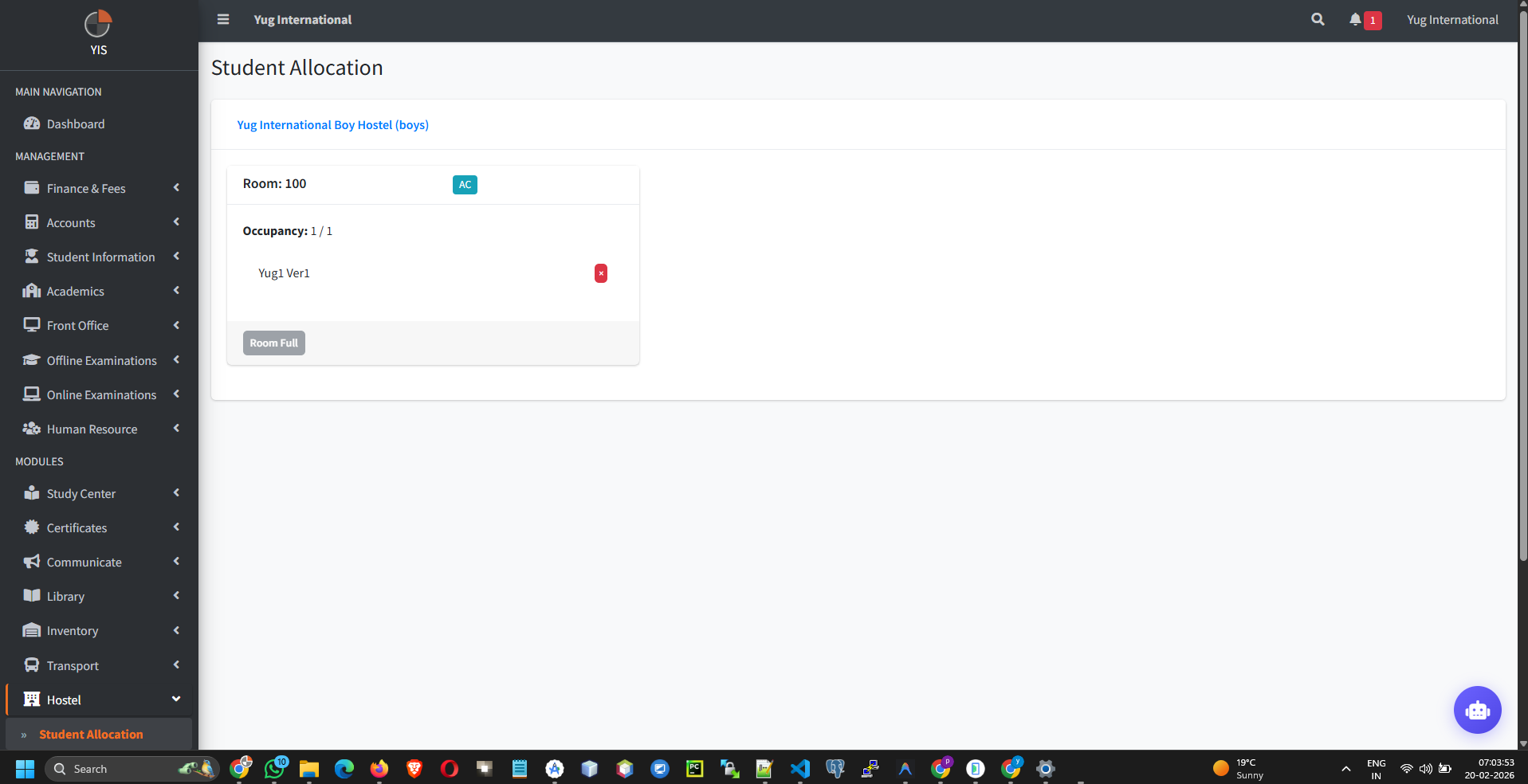
- Go to Hostel > Allocations.
- Select the target Student (Class > Section), then the Target Hostel > Room.
- Capacity Enforcement: The system automatically tracks the number of `allocations` attached to a specific `HostelRoom`. If the allocation count reaches the maximum `Bed Capacity` defined in Step 1, the UI will block further student assignments into that specific room.