Online Examinations Management
Deploy secure, timed, auto-graded computer-based tests spanning objective and descriptive question formats.
1. The Question Bank
Assessments draw entirely from a central, reusable database of questions.
- Go to Online Exams > Question Bank.
- Define the parameters (Class, Subject, Marks).
- Formats: Single Choice, Multiple Choice, True/False, or Descriptive.
- Bulk Upload: Use the provided CSV template to import hundreds of objective questions instantly.
2. Exam Deployment & Security
Configure the test environment constraints.
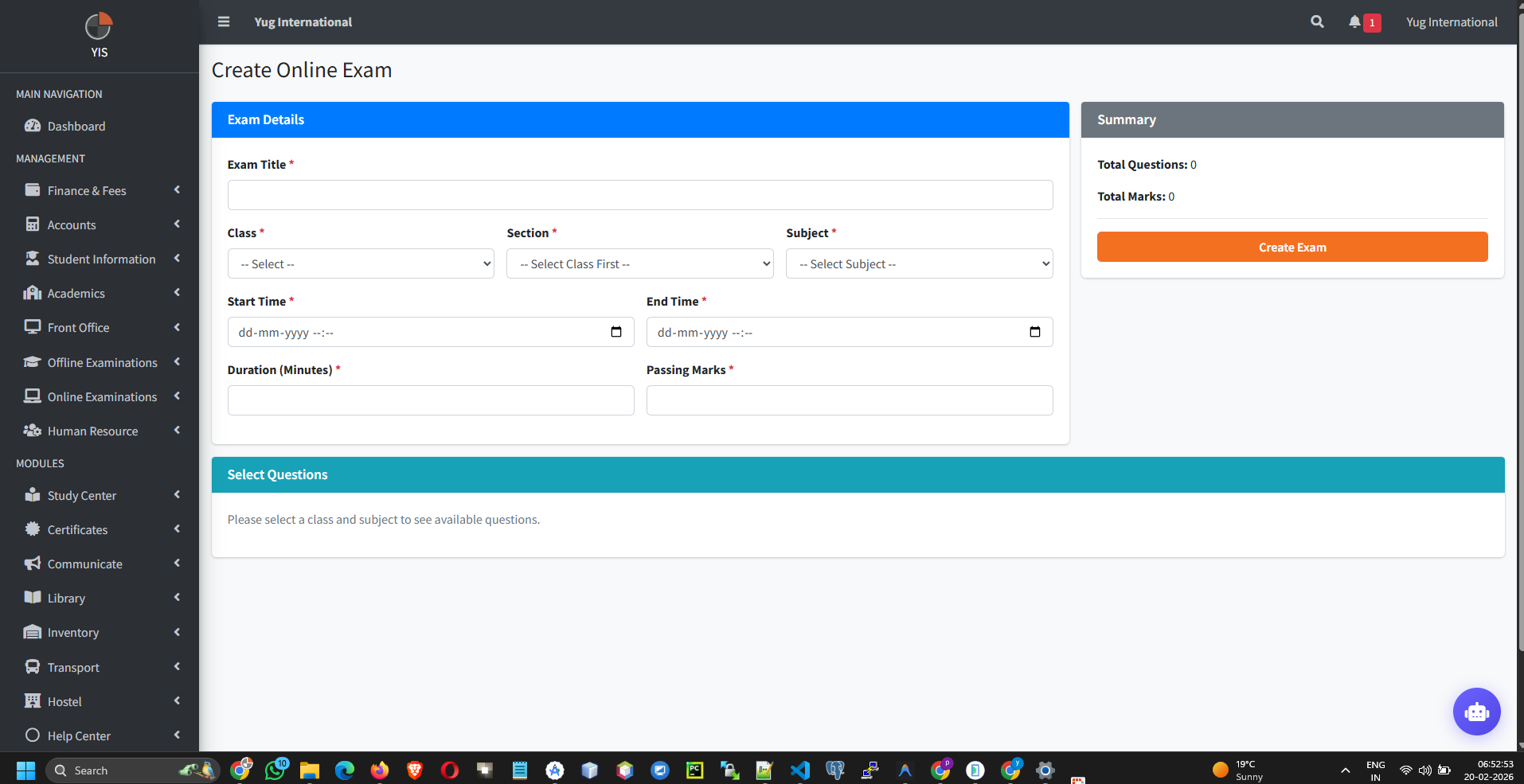
- Go to Online Exams > Manage Online Exams.
- Set the Time Window (Strict start and end datetimes when the exam is accessible).
- Define the Duration (Minutes) and Passing Marks.
- Attach Questions: Once created, click the Add Questions icon to map items from the Bank to the Exam record. The total exam marks automatically calculate based on the sum of the attached questions.
Hard Deletion Block: The `OnlineExamController` actively
prevents the deletion of any Online Exam if even a single student has attempted it. You must either archive
it or manually delete all student attempts first to unlock deletion.
3. Analytics & Ranking Engine
How the system grades and ranks students.
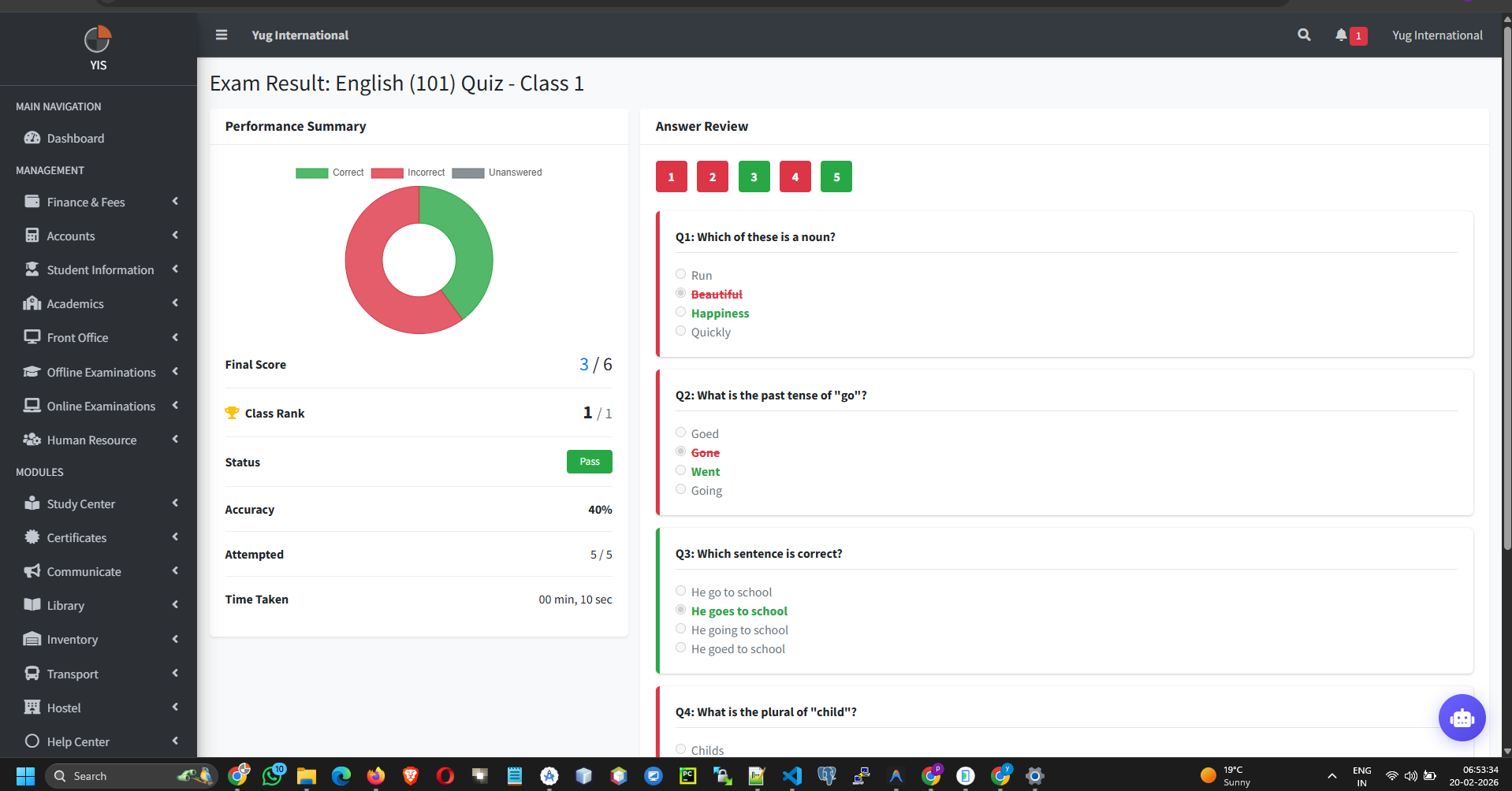
- Real-time Status: Monitor who is online, completed, or unattempted.
- Rank Calculation Logic: The controller ranks students primarily by Highest Score. In the event of a tie, the system calculates the time elapsed between `attempt_started_at` and `attempt_ended_at` in seconds, awarding the higher rank to the faster student.
- Accuracy Charts: The individual student detail page renders pie charts showing Correct vs Incorrect vs Unanswered ratios.