Menu Management
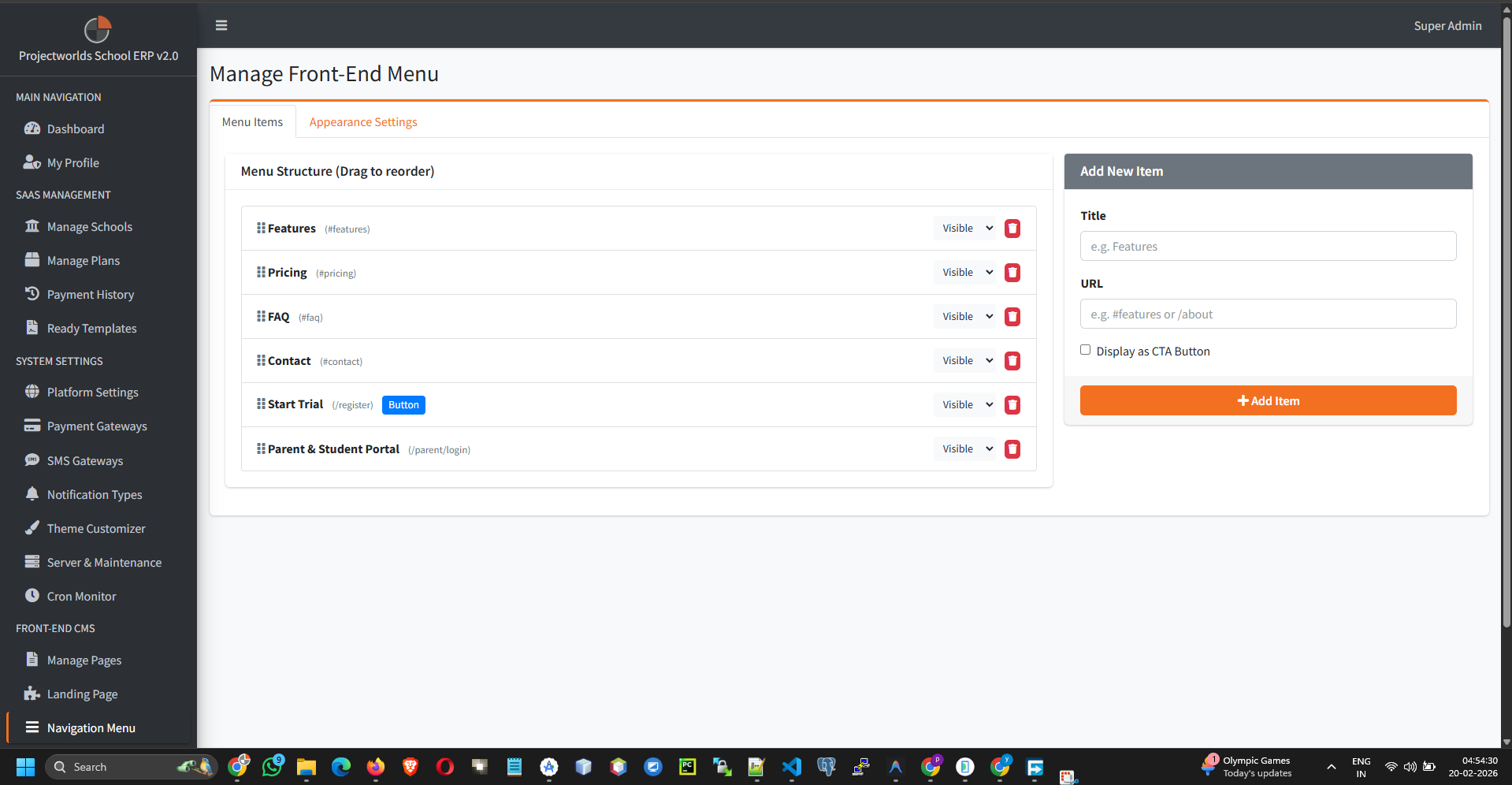
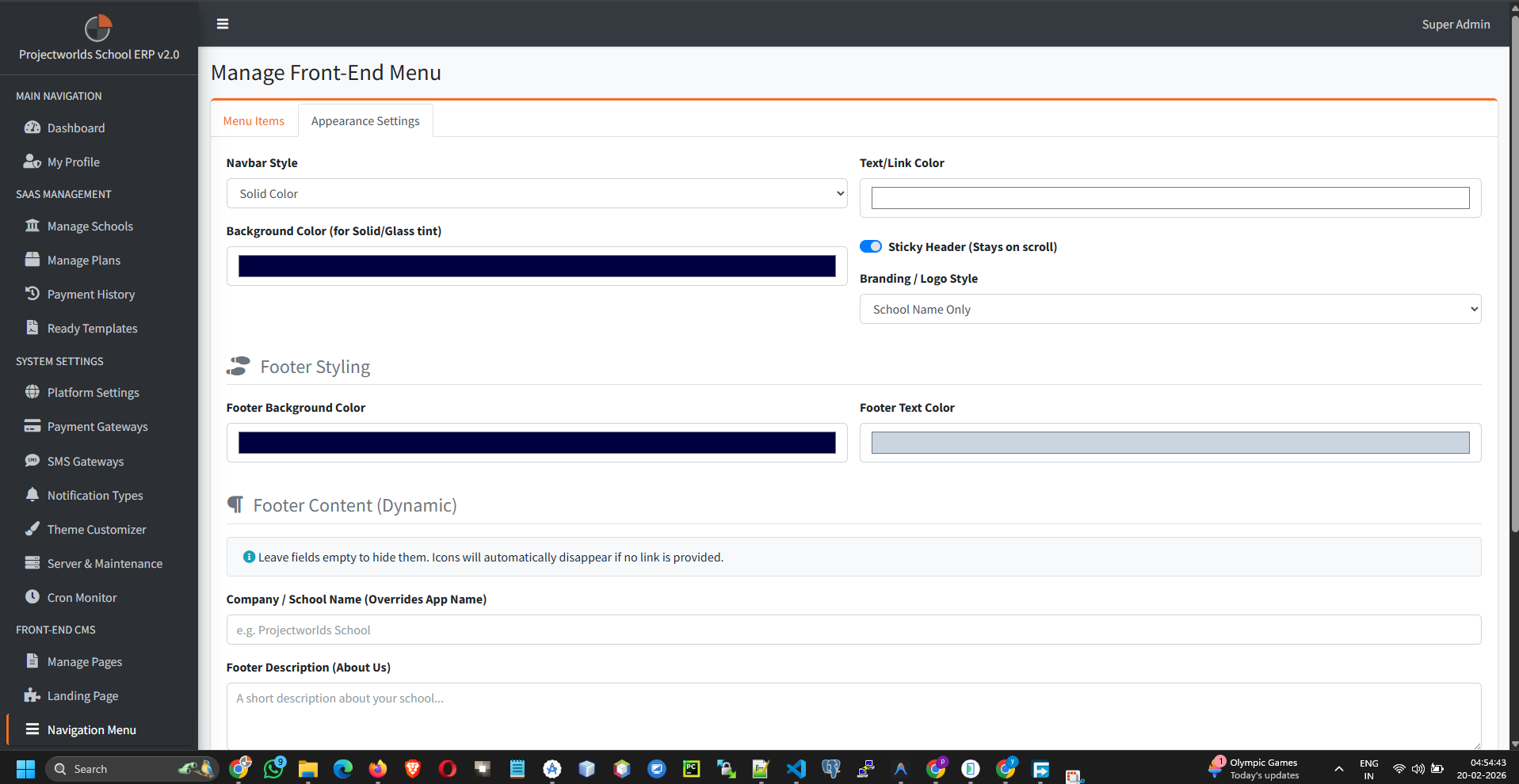
Configure the main navigation menu visible on the frontend of your application.
Note: Organize links to ensure visitors can easily find
important pages like Pricing, features, or Contact Us.
1. Menu Structure
The menu builder allows you to:
- Add Links: Connect to internal pages or external URLs.
- Structure Hierarchy: create parent and child menu items.
- Reorder: Drag and drop items to arrange them logically.
2. Adding a Menu Item
To insert a new link:
- Click Add Menu Item.
- Fill in:
- Label: The text displayed (e.g., "Pricing").
- Link: Select an existing page or enter a custom URL.
- Open in New Tab: Toggle if necessary.
- Click Save.
3. Reordering Items
To change the display order:
- Click and drag the handle next to a menu item.
- Drop it into the new position.
- Indent items to create a dropdown menu (Submenu).
Tip: Indented items become children of the item above
them.