Notifications
Manage automated system notifications sent via Email, SMS, or Push Notification.
Note: Customize the template and content of automated
alerts.
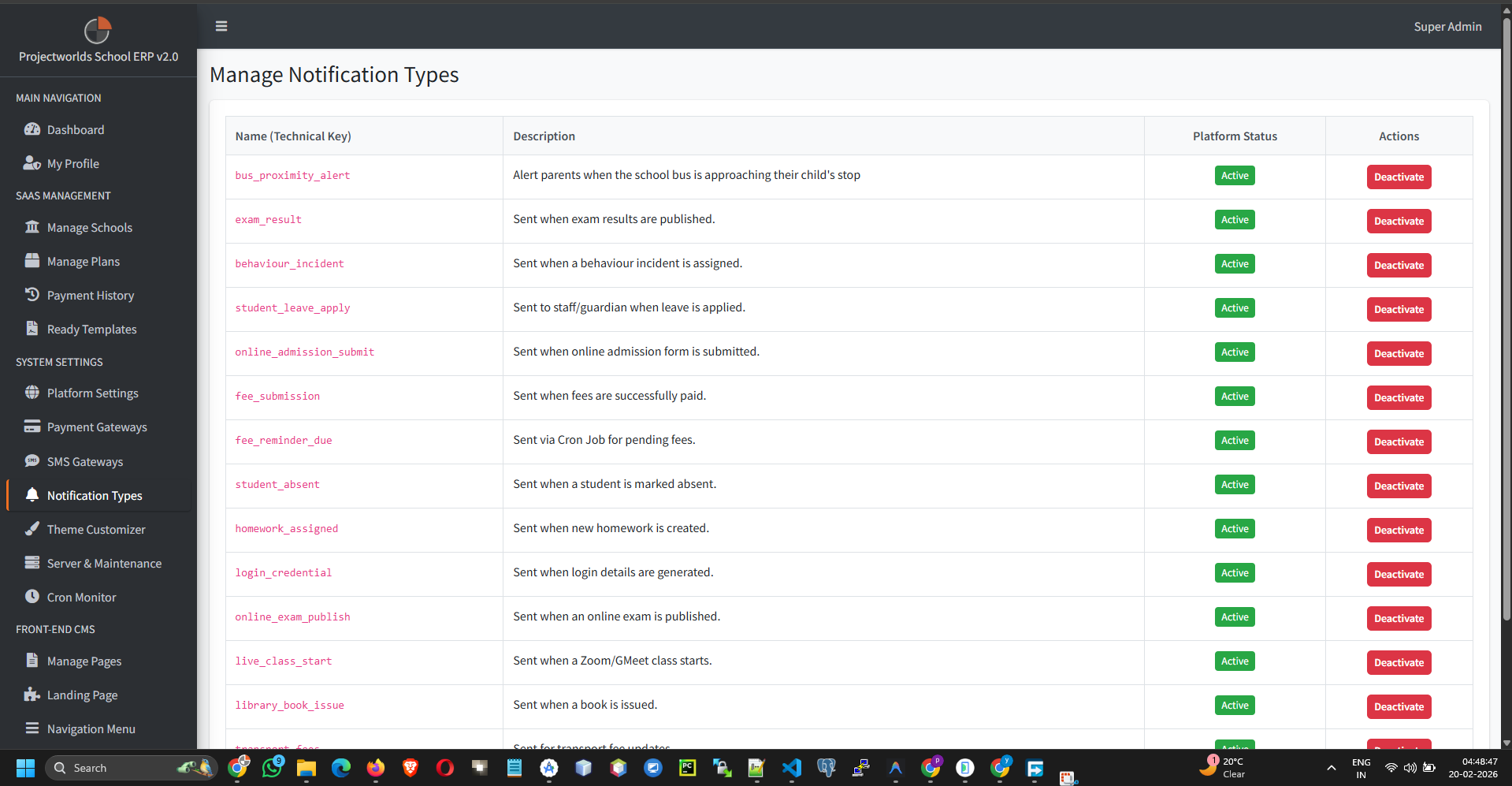
1. Notification Types
The system is pre-configured with several notification triggers, such as:
- School Registration: Sent to the admin upon new school signup.
- Subscription Payment: Confirmation of payment.
- Subscription Expiry: Alerts when a plan is ending.
2. Editing Templates
To customize the message content:
- Select the notification type you wish to edit.
- Click the Edit button.
- Update the subject line and message body.
- Use Available Tags (e.g.,
{school_name},{expiry_date}) to insert dynamic data. - Click Update.
3. Enabling Channels
For each notification type, you can toggle which channels are used:
- Email: Sends an email to the registered address.
- SMS: Sends a text message (requires active SMS gateway).
- Push: Sends a notification to the mobile app (if applicable).
Tip: Avoid enabling all channels for every notification
to prevent user fatigue.