General Settings
Configure the global parameters of your application, including branding, localization, and contact information.
Note: These settings apply to the Superadmin panel and
the main landing page. Individual schools manage their own settings independently.
1. System Information
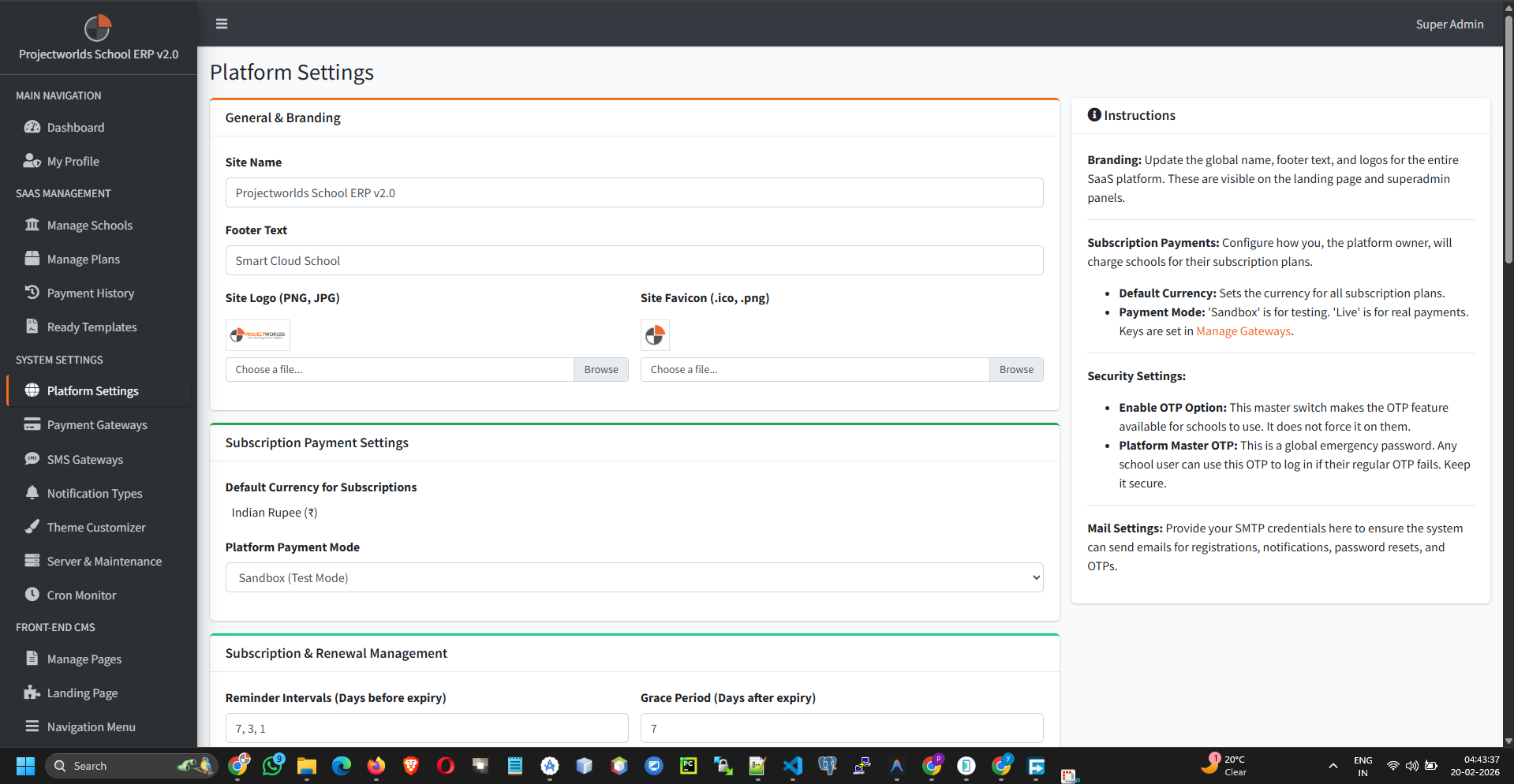
Update the core identity of your platform:
- System Name: Appears in the browser title and emails (e.g., "My School SaaS").
- Title: A short title for the browser bar.
- Address: Your organization's physical address.
- Phone & Email: Contact details displayed on the frontend.
- Footer Text: Custom text for the website footer.
2. Branding & Logos
Upload your custom branding elements:
- Logo: The main logo for the header (Recommended: PNG with transparent background).
- Favicon: The small icon shown in browser tabs (Recommended: 32x32px or 16x16px).
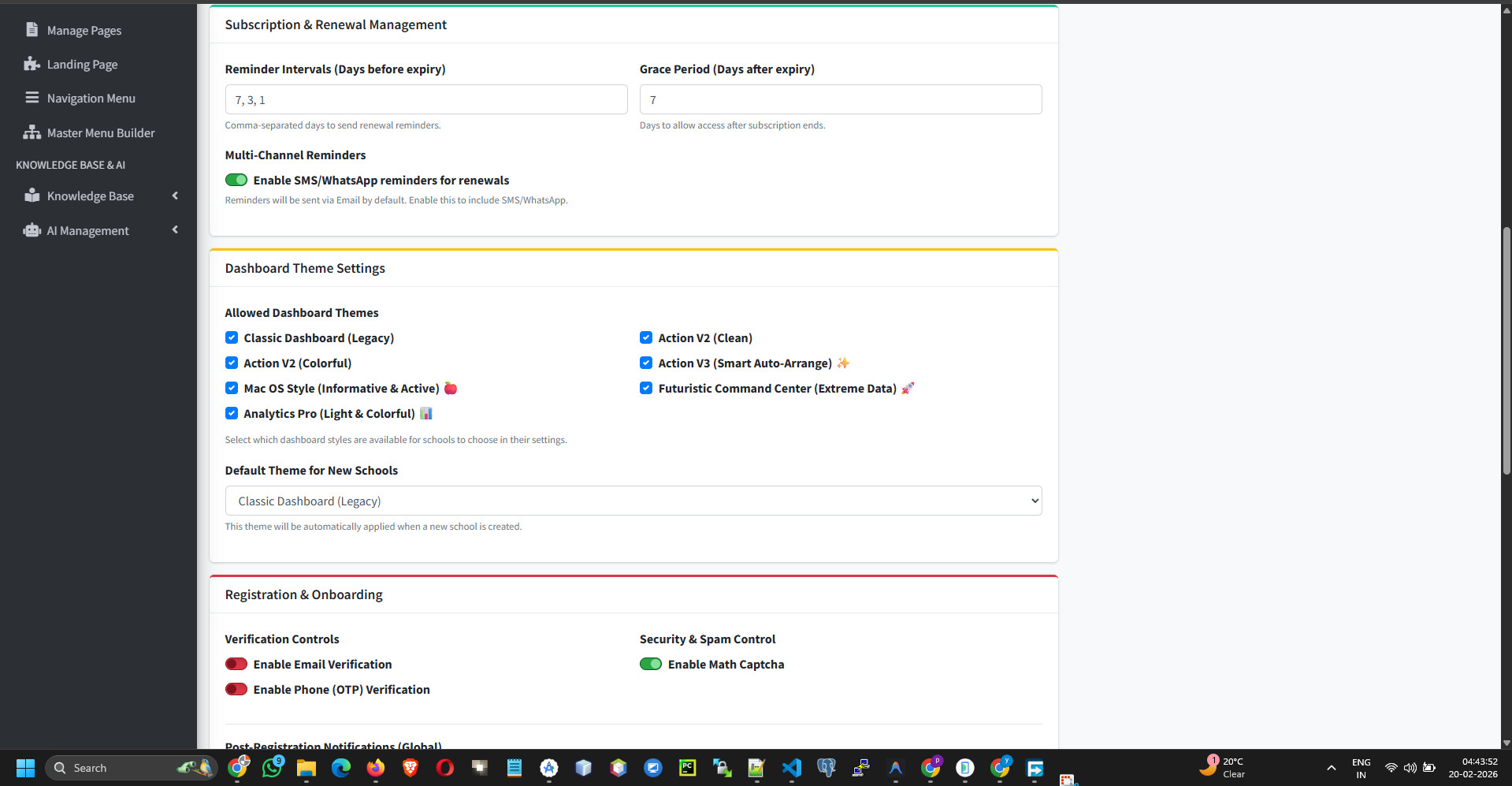
3. Localization
Set regional preferences:
- Currency Symbol: The currency used for subscription payments (e.g., $, €, ₹).
- Timezone: The system's default time zone.
- Language: The default language for the interface.
4. Theme Color Settings
Customize the visual appearance:
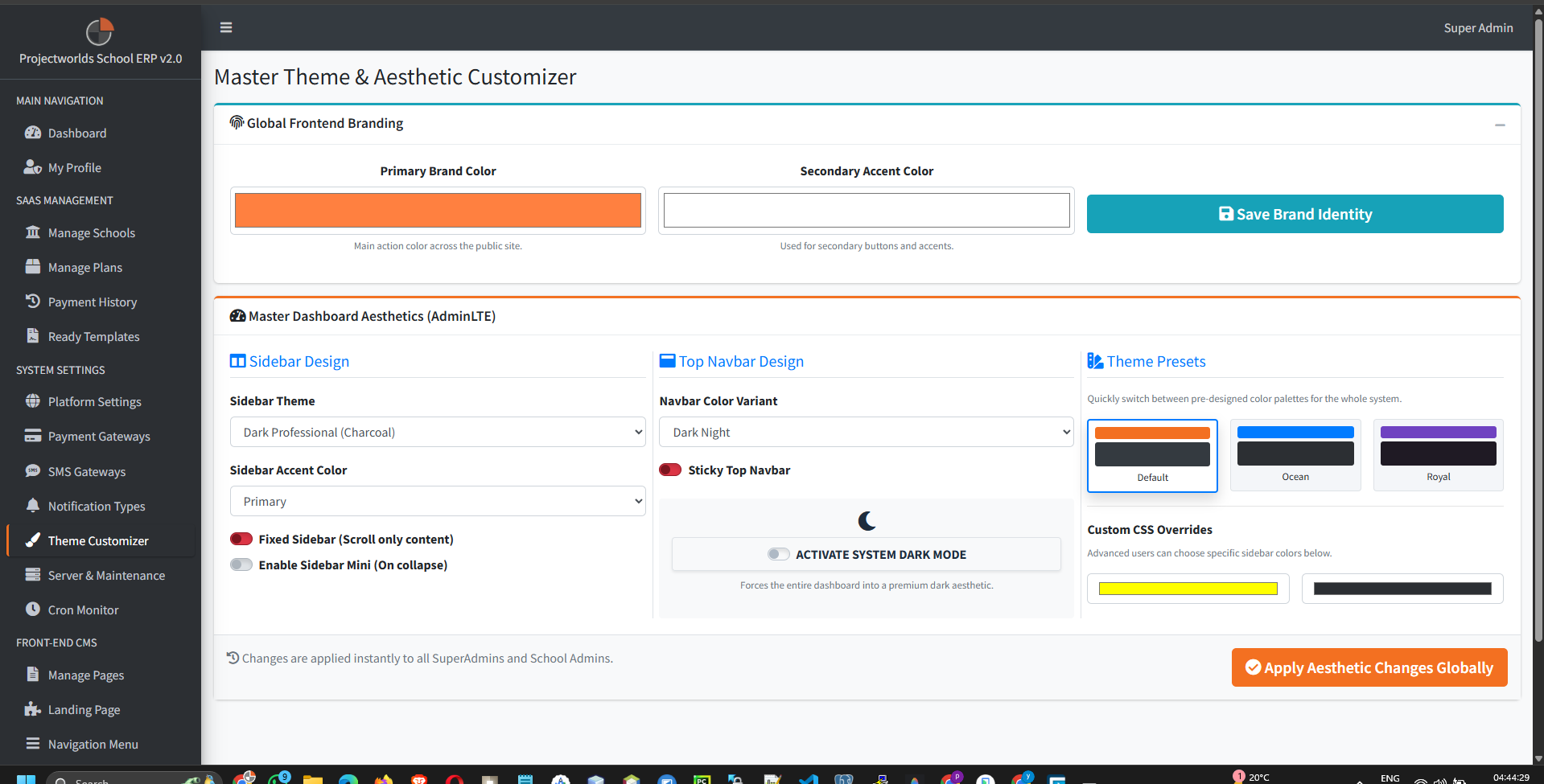
- Primary Color: The main accent color for buttons and links.
- Secondary Color: Used for less prominent elements.