Ready Templates
Manage a library of reusable content templates for SMS, Email, and WhatsApp messages.
Purpose: Create standard messages that can be quickly selected
when sending broadcasting messages or setting up new notifications.
1. Template Categories
Templates are organized by category to make them easy to find:
- SMS: Short, text-only messages.
- Email: Rich text messages with subjects.
- WhatsApp: Verified templates for WhatsApp Business API.
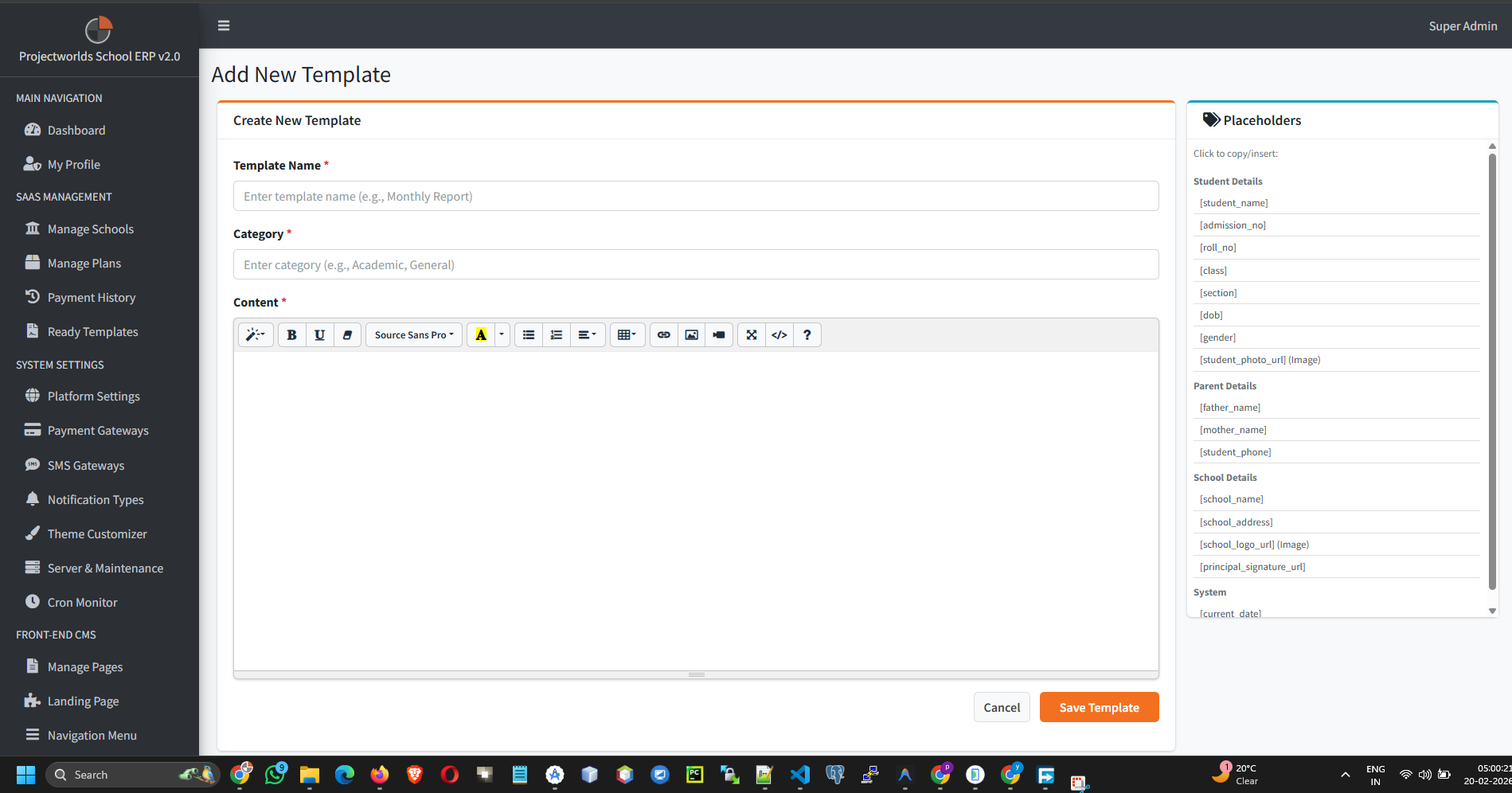
2. Creating a Template
To add a new template:
- Click Add Template.
- Name: Give it a descriptive name (e.g., "Fee Reminder", "Holiday Alert").
- Category: Select the message type.
- Content: Enter the message body. You can use variables if supported by the broadcast module.
- Click Save.
3. Using Templates
When sending a bulk message or configuring a notification:
- Look for the "Use Template" button or dropdown.
- Select your pre-defined template to auto-fill the message content.