Superadmin Documentation Hub
Welcome to the complete reference guide for the Projectworlds Multi-School V2 Superadmin Panel. Select a module below to view detailed, step-by-step instructions.
Note: The Superadmin panel is the overarching command
center. It controls global settings, subscription plans, and cross-school data.
1. Getting Started
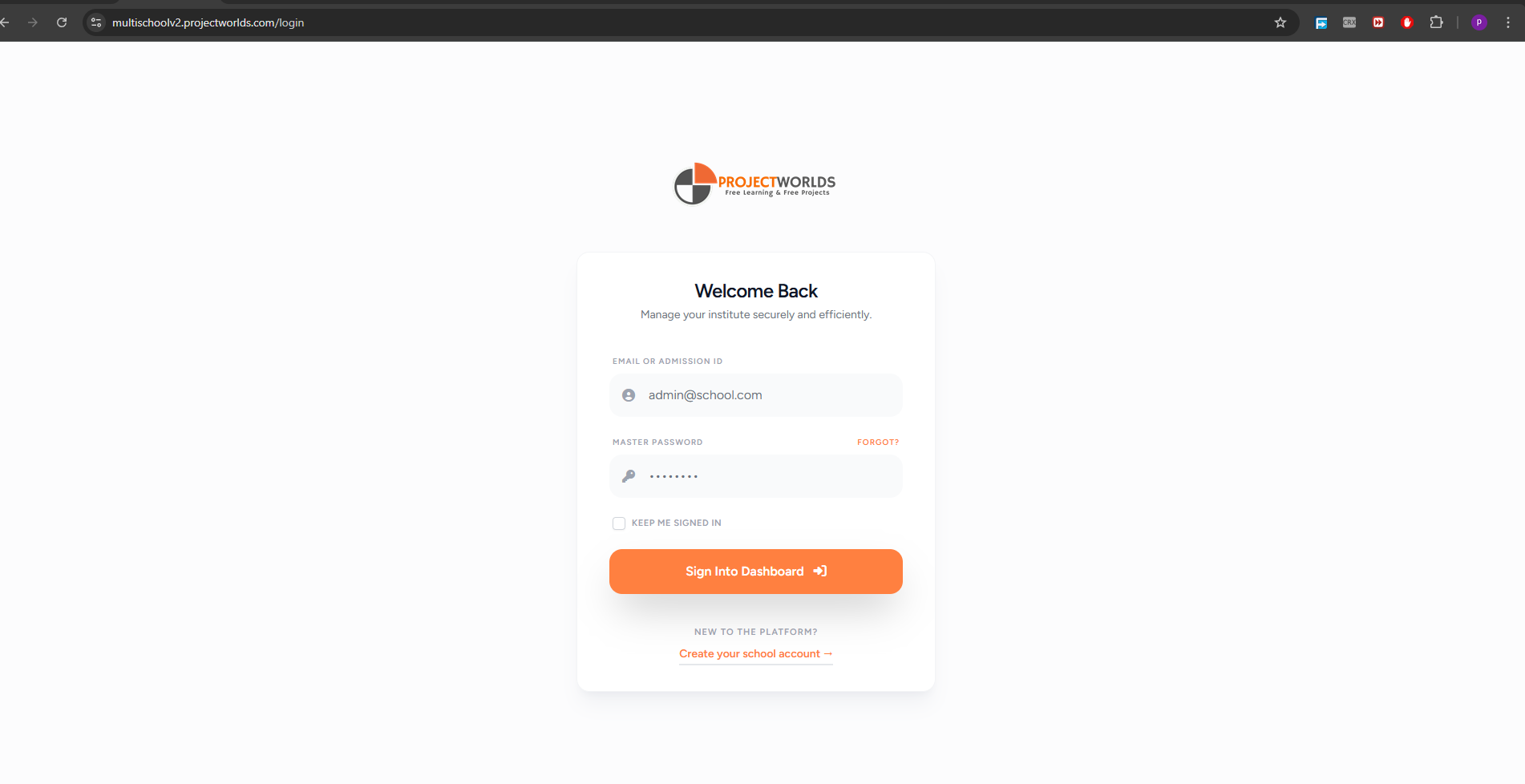
To access the Superadmin panel, navigate to your platform's base URL (e.g.,
yoursaas.com/superadmin/login).
- Enter your registered Email Address.
- Enter your Password.
- Click the Login button.
2. Module Capabilities
School & Subscription Management
Manage Schools
Onboard new tenant schools, manage their domains, view their deep financial and
usage analytics, and regenerate admin passwords.
Plans & Packages
Create SaaS subscription plans. Set pricing, define limits, and strictly
control which optional modules are available per plan.
Orders & Invoices
Track subscription payments, download PDF invoices, and manually verify/approve
offline bank transfers.
Core System Settings
General Settings
Configure the Master OTP, SMTP Mail server, WhatsApp API, registration
verification toggles, and subscription grace periods.
Theme & Aesthetics
Adjust global brand colors, UI styles, and interface aesthetics across the
platform.
Master Menu Builder
Control exactly which sidebar menu items are visible to schools. Copy menu
structures between different roles easily.
Payment Gateways
Integrate major payment processors (Stripe, Razorpay, etc.) for automated
subscription collection.
SMS Gateways
Configure API keys for various SMS providers and test connectivity directly
from the UI.
Notifications
Craft email and SMS templates for system events. Toggle specific notification
triggers globally.
Ready Templates
Manage pre-built templates for certificates, ID cards, and documents.
Content & CMS Tools
Landing Page Editor
Use the visual editor to upload section images, toggle visibility,
drag-and-drop reorder sections, and preview live changes.
Custom Pages
Generate static frontend pages (Privacy Policy, Terms) using a rich WYSIWYG
text editor.
Frontend Menus
Build and rearrange the navigation links visible on your public website header
and footer.
Knowledge Base
Organize help articles into categories. Configure the integrated AI Chatbot
provider and LLM models.
Technical Infrastructure
AI Analytics
Monitor token usage costs across schools. Enforce daily/monthly rate limits per
user role, and export CSV logs.
Server Status
Track live RAM, CPU, and Disk metrics. Perform critical maintenance actions
like clearing caches or creating storage links.
Cron Commands
Verify background job execution history and manually trigger specific scheduled
tasks directly via the UI.